The five-minute version of everything you need to run a session – find a scenario, spin the wheel, gather feedback by QR, and turn each spin into evidence.
Spin for SIM™ is low-fidelity, high-frequency, in-situ simulation: short whole-team rehearsals of emergencies, run on the floor, with no simulation suite required. Steps 1–4 are the loop you’ll use every time you run a session. Steps 5–6 are for trust leads getting the programme set up and keeping it visible.
Every scenario lives in the same place, whether you spin for one at random or pick a specific emergency to rehearse.
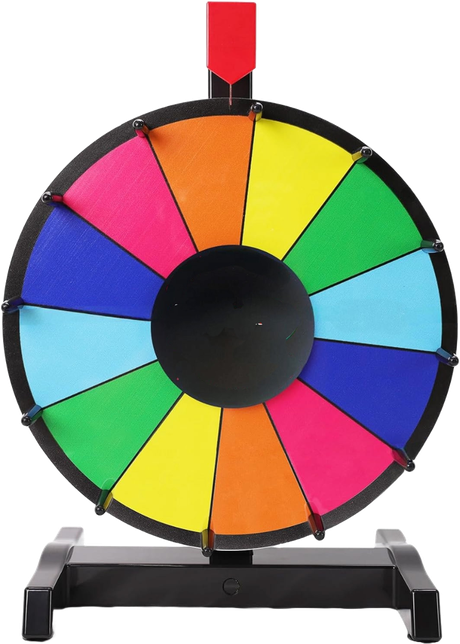
The wheel is what makes it Spin for SIM™: nobody knows the scenario in advance, so nobody can prepare and hierarchy is flattened. Use whichever wheel suits the moment – both lead to exactly the same scenarios.
Tip: keep the physical wheel visible on the unit as an invitation, and use the digital wheel to actually run and record the session.
Feedback is built into the scenario runner. Each session has its own session code that pairs the before-and-after responses, so your dashboard can measure the change in confidence – this is the evidence that makes the programme count.
On the Overview tab, a “confidence check” QR appears. Ask the team to scan and tap one number (1–5) for how confident they feel – it takes seconds.
At the Debrief, a feedback QR opens the short form for this scenario: confidence again, how useful it felt, whether they’d recommend it, and an optional certificate. Anonymous.
As facilitator you add a quick reflection on how the session ran. It’s stored against the same session so your dashboard captures both sides.
Prefer paper? The printable QR feedback posters are in Resources – put one on the wall so anyone can scan after a session. The same session code still pairs the responses.
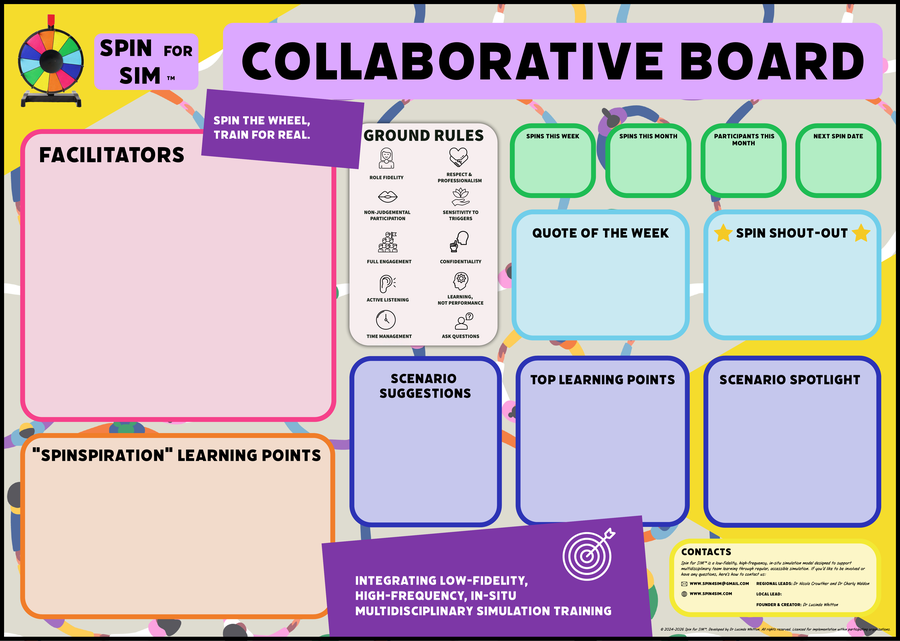
The collaborative board is the physical heart of the programme on your unit – a printable A0 board that makes each spin visible and celebrates who took part.
The board is the visible, human record; your dashboard is the measurable one. Keep both and they reinforce each other.
Every QR response flows into your trust dashboard. It compiles the numbers you need for reports, appraisals and business cases – without any manual collation.
Two things set your unit up to run without you having to be there every time: trained facilitators, and the physical kit on the floor.
Anyone on the team can facilitate. The Facilitator training walks them through running a spin and debriefing with Advocacy–Inquiry – it takes about 20 minutes.
From Resources, print the essentials for your unit:
Launching? The Implementation Toolkit has a full launch-week plan – including how to make it a “Spin for SIM™ Week” on your unit.
That’s it – spin, run, scan, record, repeat. Little and often is what makes it stick.